
LangChain Text Splitters, the Missing Link when Processing Long Texts with LLMs
Circumvent context window limits of LLMs by splitting long texts into manageable chunks
On this page
Imagine you have a very long text that you want to process with a large language model (LLM). You might want to summarize it, extract information, or translate it into another language. However, LLMs have limits on how much text they can process in a single request in a so-called context window. If your text exceeds those limits, you need a way to split it into smaller pieces (chunks) that the model can handle.
Divide and Conquer:
LangChain Text Splitters to the Rescue
LangChain is a popular open-source framework for building LLM-powered applications. It provides a set of utilities wrapped in standalone Python packages. One of these is LangChain Text Splitters, which provides different strategies for chunking as shown below:
Character (.)
Token (count=5)
Sentence
As you can see, there is no splitting strategy which is universally better than the others, but you have to choose the one that fits your text and downstream application the best. Also note the toggle for chunk overlap: it gives the model some context, which helps with summaries or retrieval-augmented generation (RAG). For translation, keep it at 0, otherwise the overlapping text is translated twice.
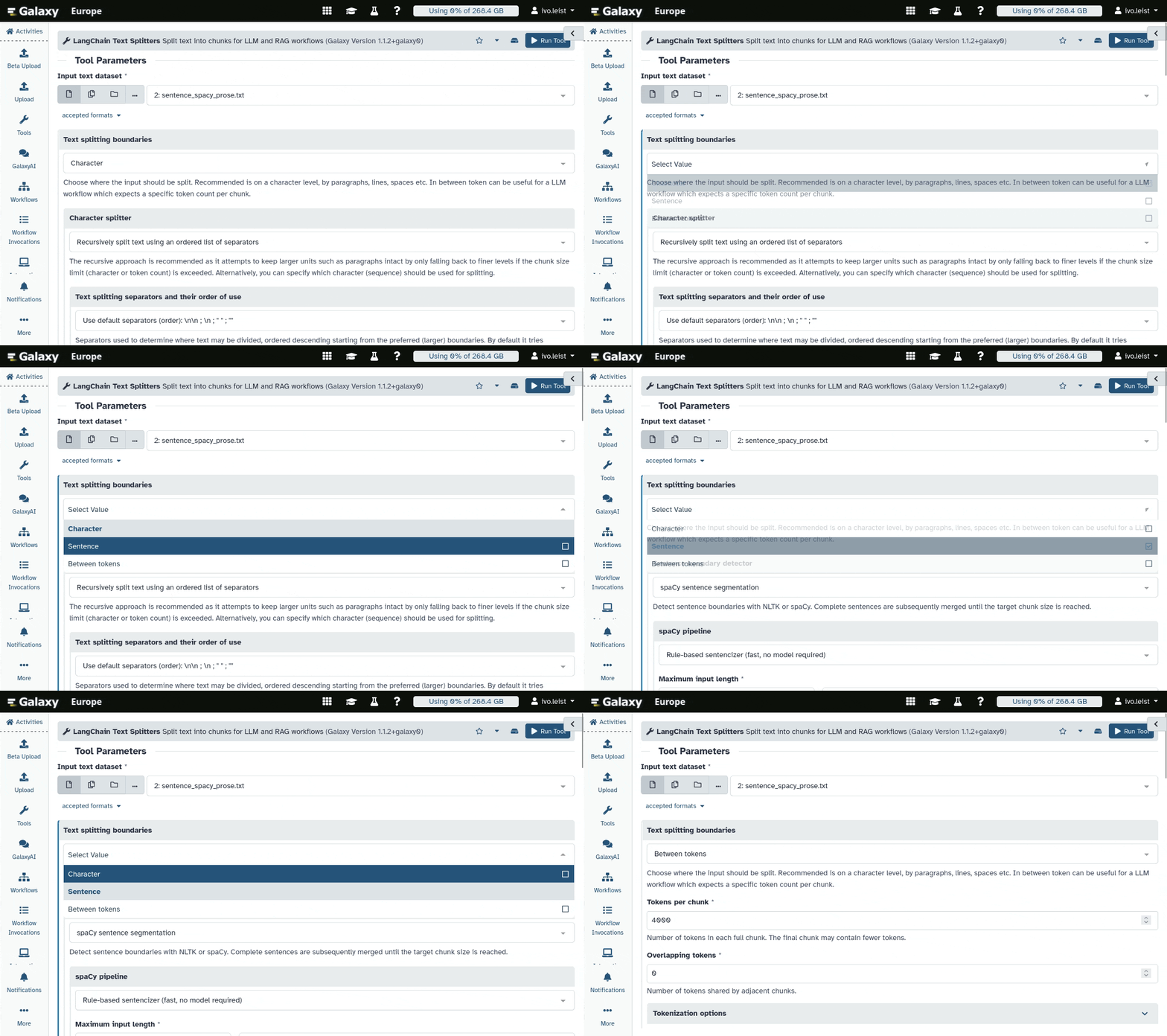
LangChain Text Splitters in Galaxy
A Galaxy Workflow Example:
Transcribing & Translating long Video Transcripts
Like our users, we enjoy exploring the capabilities of various open-source LLMs available through the LLM Hub (Blogpost). While experimenting with the LLM Hub as an alternative to the ChatGPT Galaxy tool in our transcription & translation Galaxy workflow, we faced a practical limitation: Translating long video transcripts results in truncated outputs or even timeouts!
Thanks to the LangChain Text Splitters Galaxy tool this is now a problem of the past. See below how we feed manageable chunks to the LLM, which are then translated and concatenated into a single document:
| # | Step | Description |
|---|---|---|
| 1 | Speech to text | WhisperX turns the audio or video into subtitles (SRT): numbered cues with timestamps. |
| 2 | Numbered lines in chunks | Only the text of each cue goes on, as a numbered line (12: text). The timestamps stay behind. LangChain Text Splitters cuts the lines into chunks after a sentence end, and Apply rules makes the next step run once per chunk. |
| 3 | One LLM request per chunk | Every chunk goes to LLM Hub on its own, with the same prompt. |
| 4 | Rebuild the subtitles | Concatenate joins the answers and awk puts them back on the original timestamps. The result is the translated SRT plus a review table for checking. |